



Improved Events & calendar
One Reminder Message for All Your Events
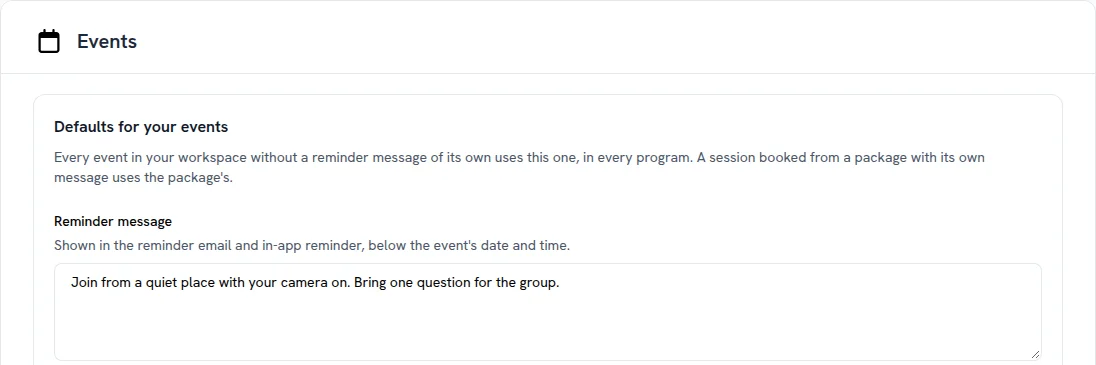
Your own message in event reminders no longer has to be written event by event. Set it once and every event picks it up.
- For the whole workspace: in Admin Area > Brand & Settings > Events, write a Reminder message. Every event without a message of its own uses it, in every program
- For a session package: in the package editor, under Show feedback and reminder settings, sessions booked from that package get their own message
- The closest message wins: an event’s own message comes first, then its package’s, then the workspace one
- See where it comes from: an event without its own message shows Using the workspace default or Using the package message with the text, and Change it for this event when you want something different
Messages you already set on events stay as they are. A change to the workspace or package message reaches every reminder sent after you save it.
 Read more