



New Events & calendar
Your Own Message in Event Reminders
Event reminders can now carry a message from you. Tell people what to bring, what to read before the session or how the call will run, and it appears in their reminder right below the event’s date and time.
- Write it in Event Settings: open the event, choose Settings and fill in Reminder message, below your reminders
- One event or the whole series: on a recurring event, choose Only this event, This event and all future events in this series or All events in this series (past and upcoming)
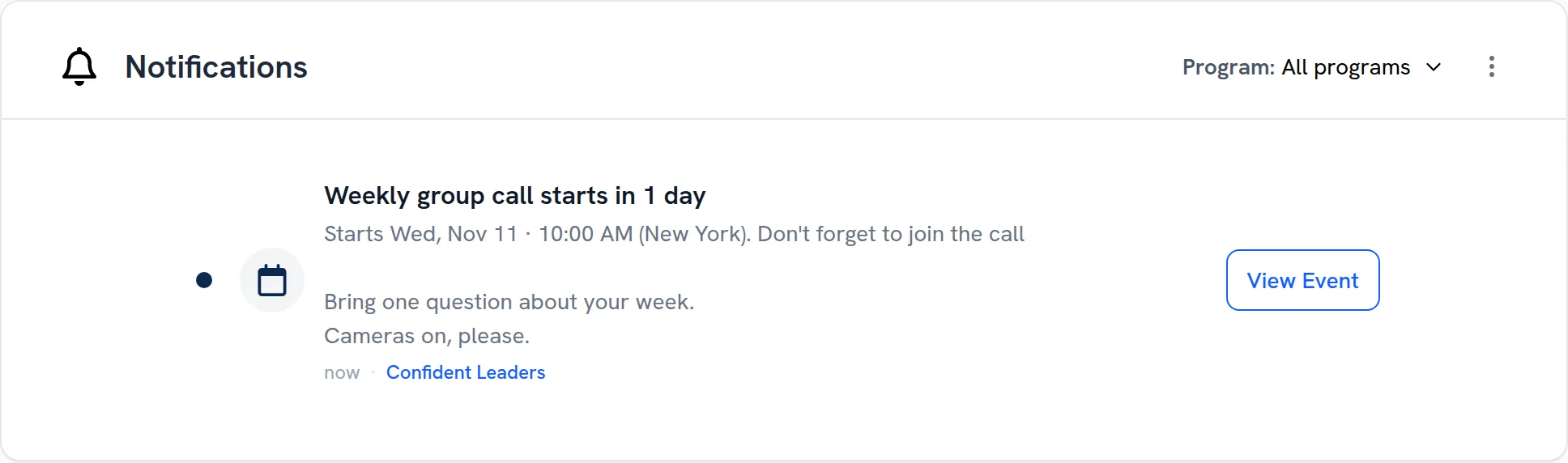
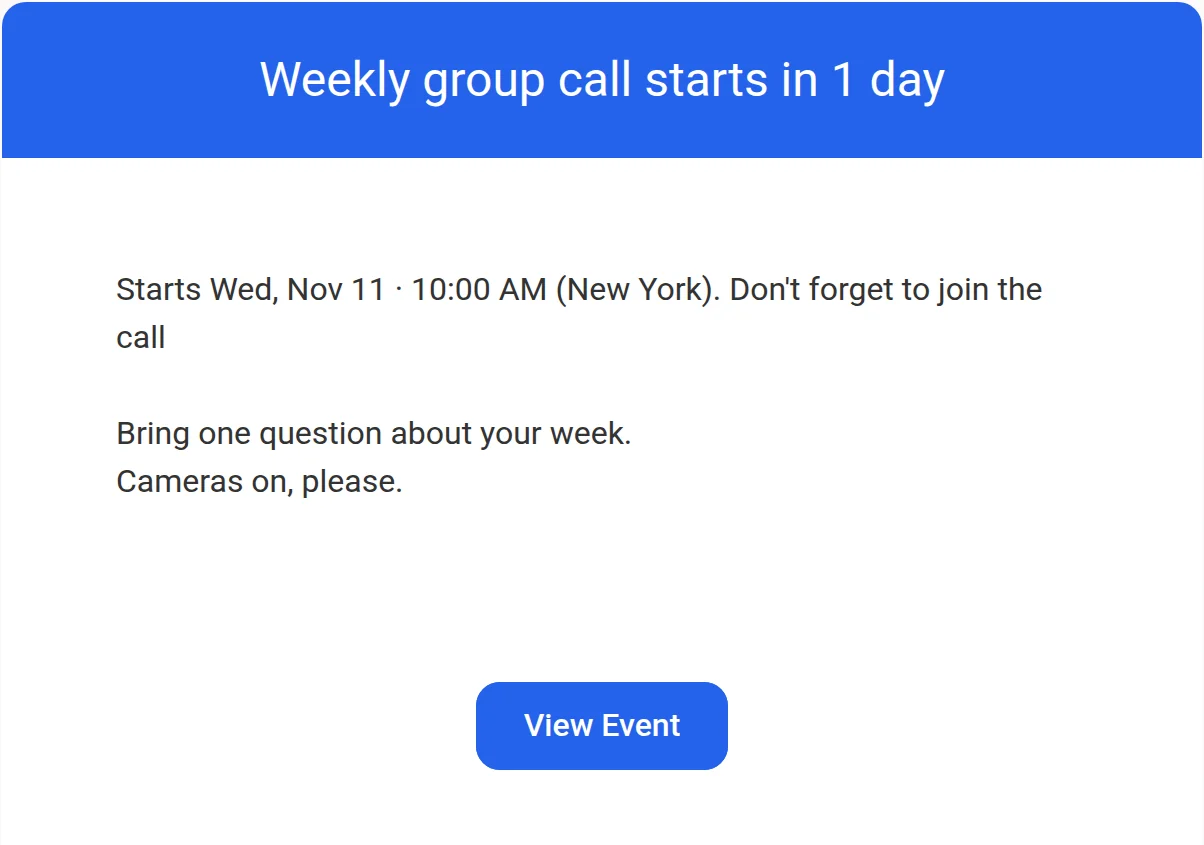
- In the email and in the app: everyone who gets the reminder sees your message in the reminder email and the in-app reminder, with your line breaks kept
- Change it any time before the event: reminders sent after you save carry the new message, and an empty box sends the reminder without one
- From your AI assistant too: once Claude or ChatGPT is connected to upcoach, it can set or remove an event’s reminder message when you ask
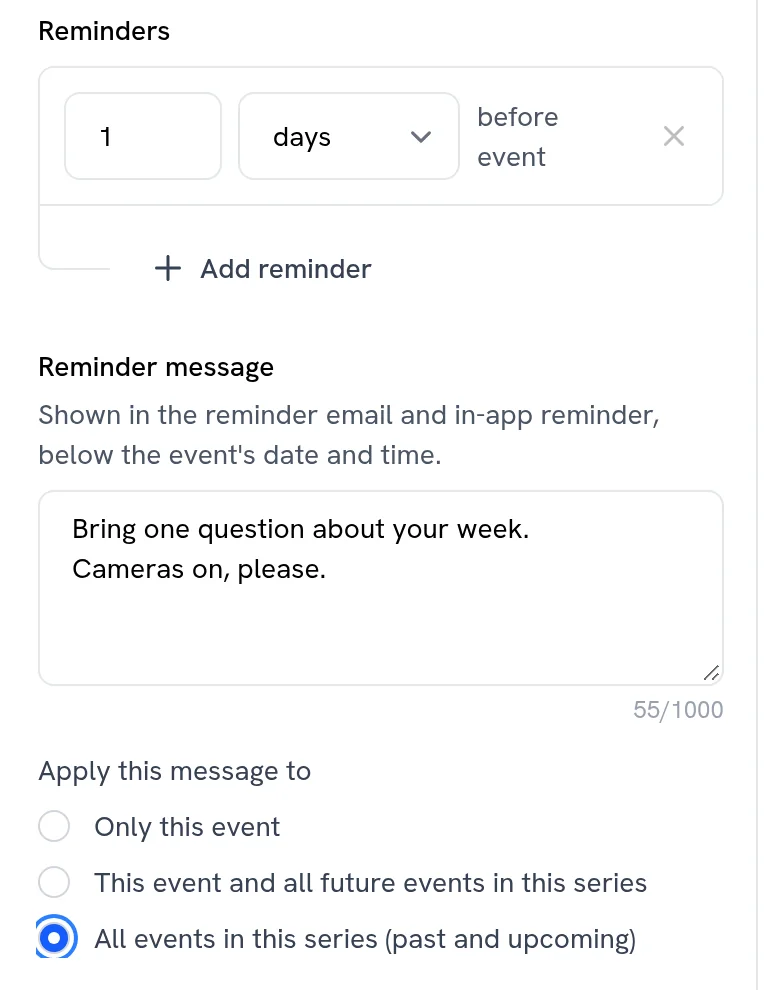
Write your message in Event Settings, for one event or the whole series
The in-app reminder shows it below the date and time
So does the reminder email