



The upcoach API and Webhooks
Connect your workspace to your own scripts and to tools such as Make and n8n. The API and webhooks are available on every plan.
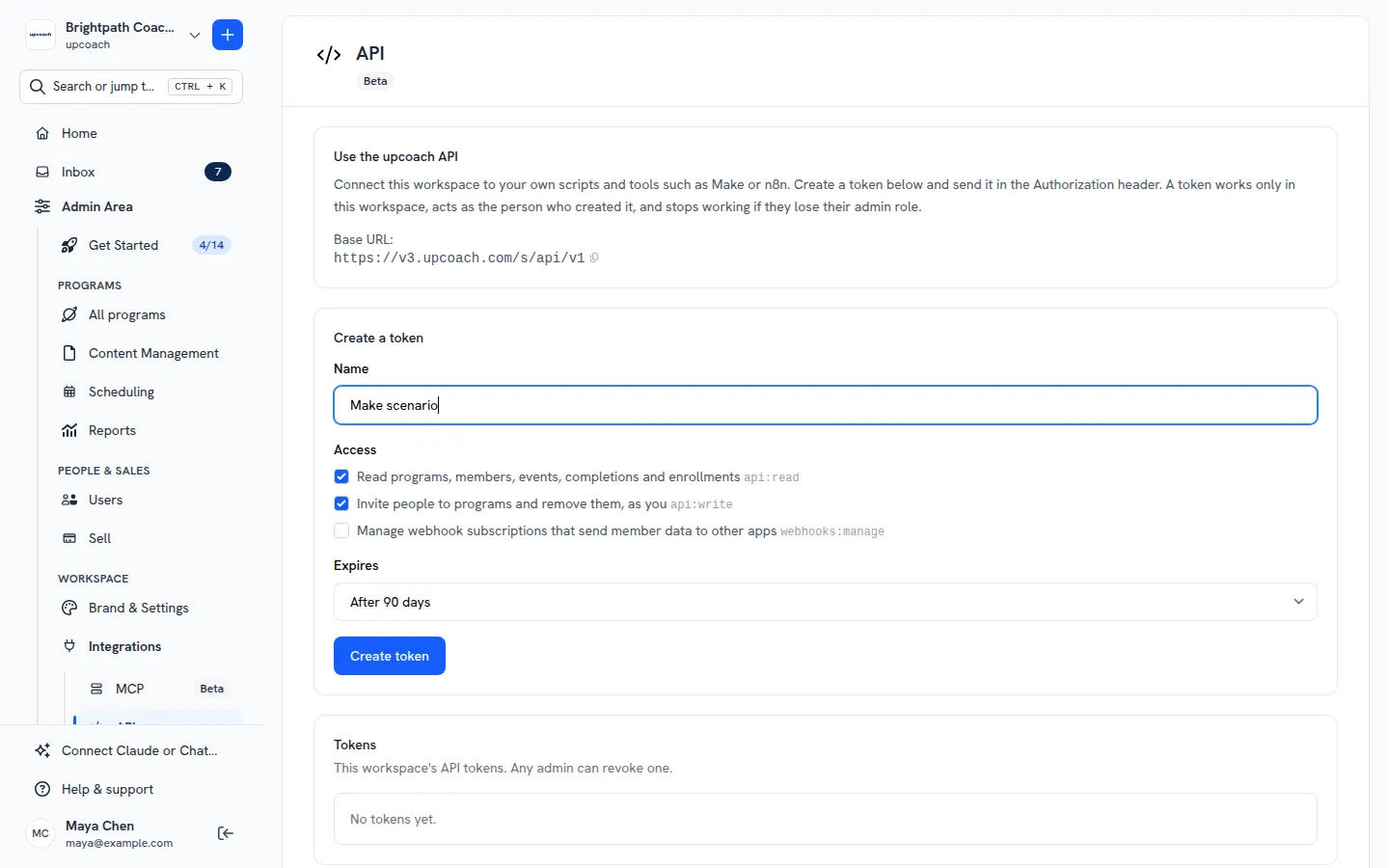
The API. Create a token in Admin Area > Integrations > API, choose what it can do and when it expires, and copy it once. With it, read your programs, members, events, activity completions and offer enrollments, invite people to a program, or remove someone from one. Revoke a token there whenever a tool no longer needs it. Create and revoke API tokens
Webhooks. In Admin Area > Integrations > Webhooks, add a URL and pick the events to send: someone joins or leaves a program, accepts an invitation, completes an activity, answers an event invitation, or buys an offer. Each delivery is signed, upcoach keeps sending it for about two days until your endpoint accepts it, and the delivery log shows what your endpoint answered. Send events to your tools with webhooks
Only organization Owners, Admins and Implementation Admins can create tokens and add webhooks. Every endpoint, with examples: upcoach API endpoint reference
 Read more