


Invite People Before You Publish, and Invite Yourself as a Test Participant
You don’t have to publish a program before inviting people to it. On Invite your first participant, which opens after you create your first program, type their emails and click Send invite while the program is still a Draft. They’ll only see your program once you publish it: until then they see that it opens soon, and when you publish it for the first time they get an email that it’s open.
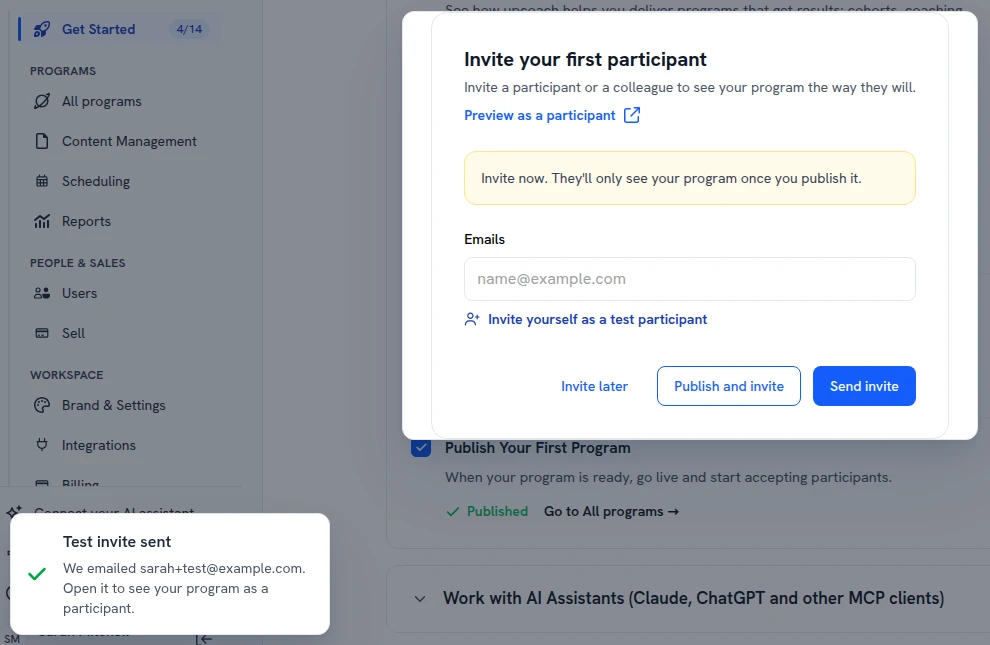
To see what your participants will get, click Invite yourself as a test participant. upcoach invites your own address with +test added (for example [email protected]) as a participant, so the invite email comes to your inbox and you can open the program the way participants do. Only the workspace owner can do this, and a workspace has one test participant. It doesn’t count toward your plan’s participant limit.
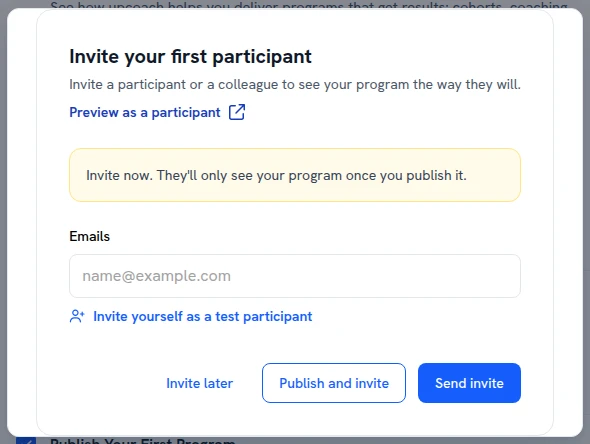
Invite your first participant, while the program is a Draft
The test invite goes to your own inbox