


Free coaching software: what free plans include, what they leave out and what free really costs
Free coaching software exists, but most coaching and program platforms offer a free trial, not a free plan, and the free plans that do exist cap how many people you can serve, show the platform’s branding, or take a share of each sale. For a paid group program, “free” is often not the cheapest option once you add up fees and your own time. upcoach, for example, has a 14-day free trial with no credit card required, and no free plan.
This guide covers what free tiers usually include and leave out, how to work out what “free” really costs for a group program, and the free tools coaches combine instead.
Free plan or free trial: what is the difference?
A free plan has no end date: you can use it as long as you stay inside its limits. A free trial gives you a paid plan, often with every feature, for a fixed number of days, and then you choose a plan or stop.
The two answer different questions. A free plan answers “can I run my practice on this without paying?” A free trial answers “does this fit my program before I pay?” If you already sell a program, the second question is usually the one that matters.
Here is what a few platforms coaches compare show on their own pricing pages today (read on 2026-11-23):
| Platform | Free plan on its pricing page | Free trial on its pricing page |
|---|---|---|
| upcoach | No | 14 days, no credit card required |
| Systeme.io | Yes: 2,000 contacts, 3 sales funnels, 1 course, 0% transaction fees | Not needed: the free plan does not expire |
| Simply.Coach | No | 14 days, no credit card required |
| Podia | No | 14 days |
| Teachable | No | 7 days |
| Quenza | No | 30 days, no credit card |
| CoachAccountable | No | 30 days |
Systeme.io’s free plan is built around funnels, email and courses. Its own pricing page lists the other free-plan limits: 1 blog, 1 affiliate program, 1 custom domain, 1 automation rule, 1 email campaign and 500 students. Plans and limits change, so check each pricing page on the day you decide.
What free coaching software usually includes, and what it leaves out
Free tiers are designed to get you started and to show you where the paid plan begins. In practice the limits fall in the same few places.
| Area | What a free tier often includes | What it often leaves out |
|---|---|---|
| Clients or participants | A small number of clients, contacts or students | Room for a full cohort, or more than one program at a time |
| Branding | A page or portal on the platform’s own address | Your logo, colors and domain; emails sent under your name |
| Payments | Selling through the platform | Lower transaction fees, which often start on higher plans |
| Automation | One or two automations or campaigns | Reminders, sequences and check-ins that run without you |
| Scheduling | One-to-one bookings | Group sessions, several session types, more than one calendar |
| Team | One user | Co-facilitators, assistants, sponsors who need their own access |
| Reporting | Basic counts | Who finished what, who went quiet, a report you can show a sponsor |
| Support | Help articles | Email or priority support with a response time |
The participant cap is the one to check first. A cap of a handful of clients works for one-to-one coaching. A group program needs room for the whole cohort on day 1, plus the next cohort while the first one finishes. Check whether the cap counts everyone you have ever added or only the people active now.
Branding matters more for a paid program. If participants pay you $1,000 or more, a portal and emails carrying another company’s name make the program look borrowed. On many platforms, your own brand and domain start on a paid plan.
Fees can be the real price. A plan with no monthly price can still keep a percentage of every sale. Card processing (the fee Stripe or PayPal charges per payment) is usually charged on top of that, by the payment provider.
The true cost of “free” for a group program
To compare a free tier with a paid plan, add up what one cohort costs you on each, not the monthly price alone.
- Write down one cohort. Price per participant, number of participants, and how long it runs.
- Add the platform’s fee on each sale. Multiply your revenue by the platform’s transaction fee. Leave out card processing: you pay it on every option.
- Add the monthly price for the months the cohort runs. Zero on a free plan.
- Add the upgrade you would be forced into. If the cohort is larger than the free cap, or you need your own branding, price the plan you would really use.
- Add your time. Count the hours each week you spend copying data between tools, sending reminders by hand and checking who did the work.
A worked example, with made-up numbers: 12 participants pay $1,000 each for a 12-week group program, so one cohort brings in $12,000.
| Option | Platform fee on $12,000 | Plan price for 3 months | Cost of one cohort |
|---|---|---|---|
| A free tier that keeps 10% of each sale | $1,200 | $0 | $1,200 |
| A free tier that keeps 5% of each sale | $600 | $0 | $600 |
| upcoach Starter, billed monthly (4% fee) | $480 | 3 × $59 = $177 | $657 |
| upcoach Pro, billed monthly (2% fee) | $240 | 3 × $119 = $357 | $597 |
The bigger your program price or your group, the more a percentage fee weighs against a fixed monthly price. A free tier with a low fee and a cap that fits your group can still be the cheapest choice, so run the sum with your own numbers. And if you never sell through the platform, the fee does not apply and the cap and branding are what to compare.
Free tools coaches combine instead
Many coaches start a program with free general tools rather than coaching software. A common stack, with each tool’s free-plan limits as shown on its own pricing page today:
- Video calls: Zoom. The free Basic plan allows 40 minutes per meeting and 100 participants per meeting (zoom.us/pricing). A 60- or 90-minute group session needs a paid plan or a restart.
- Scheduling: Calendly. The free plan includes one event type, one calendar connection and one-on-one scheduling (calendly.com/pricing). Unlimited event types and automated reminders start on the Standard plan.
- Worksheets and intake: shared documents and forms. Free document and form tools work for an intake and weekly worksheets, but each answer lands in a separate file or sheet you read one by one.
- Payments: a payment link from Stripe or PayPal. You pay the provider’s fee on each payment, and enrolling the person in the program is a manual step.
- Updates between sessions: email or a group chat. It works, but there is no record of who read or did what.
This stack costs little money and a lot of attention. For a first group of three to five clients you know well, that is often fine. Once you run a cohort of ten or more, or the same program a second time, the hours spent stitching tools together are usually the largest cost in the table above.
Checklist before you choose free coaching software
| Question | Why it matters |
|---|---|
| Does the cap fit your next cohort, and does it count only active people? | A cap you outgrow mid-program forces an upgrade at the worst moment |
| What fee does the free tier keep on each sale? | On a paid group program the fee can cost more than a paid plan |
| Can you use your own brand and domain? | Paying participants see the platform’s name on every page and email |
| Can you run group sessions, check-ins and reminders? | One-to-one scheduling alone does not run a group program |
| Can you see who did the work each week? | Without it, you find out who went quiet at the next session |
| Can you export your clients and their answers? | You keep your records if you move later |
| What happens when the trial ends? | Some platforms keep your work, others deactivate it |
Trying upcoach for free
upcoach does not have a free plan. It has a 14-day free trial with no credit card required, on any plan (pricing). When the trial ends, you pick a plan and keep everything you built; nothing is deleted.
The plans, as shown on the pricing page today:
| Plan | Billed monthly | Billed yearly | Active participants | Team seats | Transaction fee |
|---|---|---|---|---|---|
| Starter | $59/mo | $49/mo ($588 a year) | 25 | 1 | 4% |
| Pro | $119/mo | $99/mo ($1,188 a year) | 100 | 2 | 2% |
| Business | $249/mo | $199/mo ($2,388 a year) | 250 | 5 | 1% |
| Scale | $499/mo | $399/mo ($4,788 a year) | 500 | 10 | 0% |
Card processing by Stripe is separate and paid to Stripe. Every plan has unlimited programs, and your plan counts active participants only: the same person in three programs counts once, and when a cohort finishes you can deactivate its participants for free to make room, then reactivate alumni when they come back. Your brand colors, logo and custom domain start on Pro. Your first paid subscription is refundable in full within 14 days of your first payment.
What a trial lets you test, on your real program:
- Build it. Pick a program type, such as a group coaching program, a cohort or a 1:1 program, and edit the structure upcoach sets up. See the program types.
- Sell it. Connect Stripe and create an offer with one-time payments, installments or a subscription, as in set up payments with Stripe.
- Run and track it. Add worksheets, check-ins and events, then see who is on track in progress tracking and reporting.
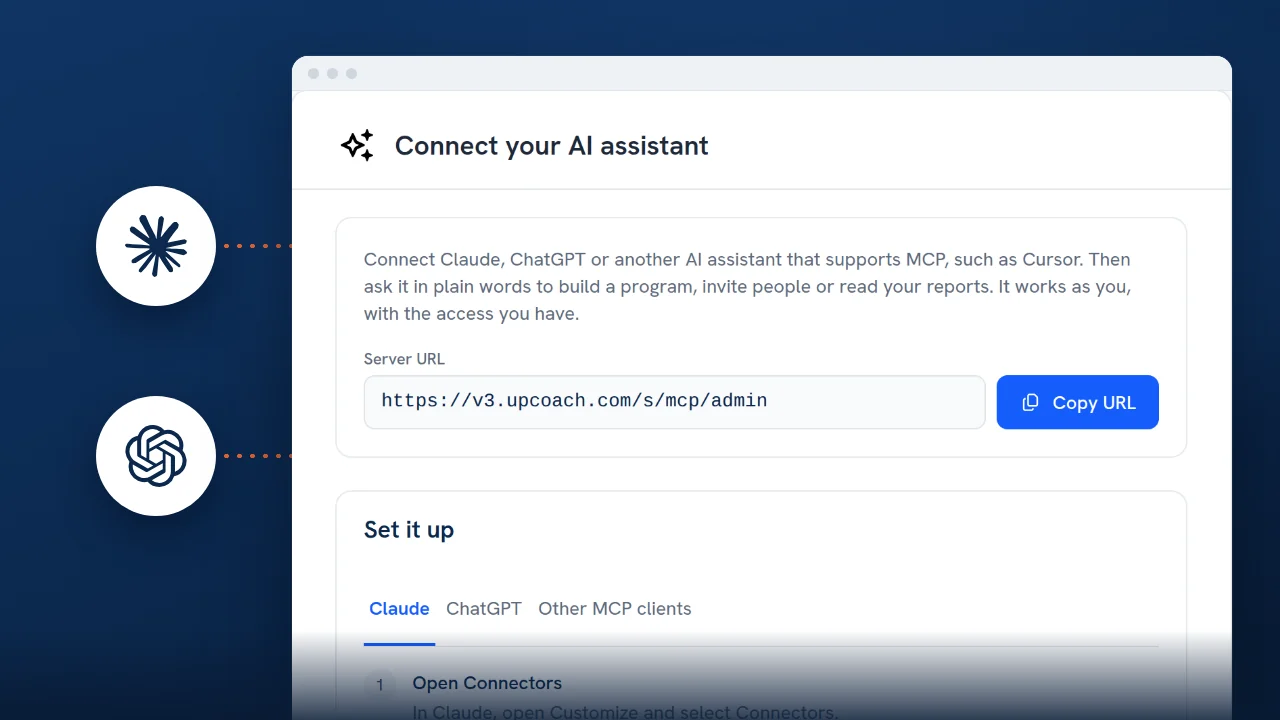
- Run it from your AI assistant. Connect Claude or ChatGPT on any plan, as described in work with Claude and ChatGPT.
If you need a structure to test with, start from a free group coaching program template. To try it on your own program, start a 14-day free trial.
Frequently asked questions
Is there free coaching software?
Yes, but most coaching and program platforms offer a free trial rather than a free plan, and the free plans that exist have limits: a cap on contacts or participants, the platform’s branding on your pages and emails, fewer automations, or a fee on each sale. Many coaches start with a stack of free general tools instead, such as a video call tool, a scheduler and shared documents.
Does upcoach have a free plan?
No. upcoach has a 14-day free trial with no credit card required, and no free plan. After the trial, the Starter plan is $59 a month billed monthly, or $49 a month billed yearly ($588 a year), for 25 active participants and one team seat. When the trial ends you pick a plan and keep everything you built.
What does a free coaching plan usually leave out?
Usually some of these: more than a small number of clients or contacts, your own branding and domain, team members, automations and reminders, group scheduling, and lower transaction fees. Check each one against the program you run now, not the one you might run later.
Is free coaching software really free for a paid program?
Not always. A plan with no monthly price can still keep a share of each sale, and card processing fees are charged on top by the payment provider. On a group program with ten or more paying participants, a percentage fee can cost more in one cohort than a year of a paid plan. Do the sum with your own price and group size.
Can I run a group coaching program with free tools?
Yes, for a small first group. A video call tool, a scheduler, shared documents or forms, an email tool and a payment link cover the basics. The cost is time: you copy information between tools, chase people by hand and have no single place that shows who has done the work.