



New Navigation
See What's New Inside upcoach
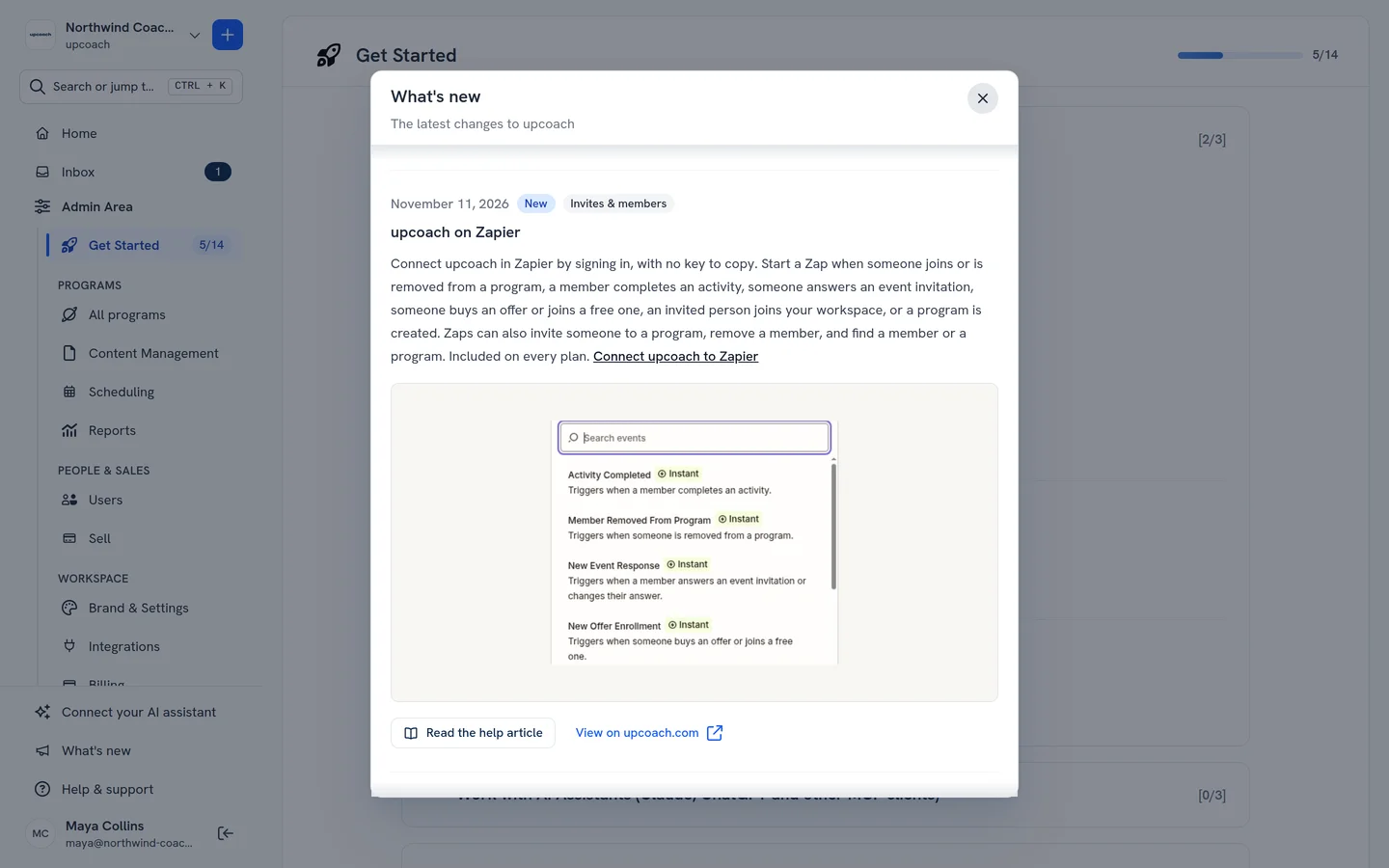
There’s a What’s new item in the sidebar, right above Help & support, and in the phone menu. A dot shows on it while there are updates you haven’t seen.
Open it to see upcoach’s latest changes, newest first and grouped by week. Each update shows its date, its area, its screenshots or video, a link to its help article when there is one, and View on upcoach.com for the full entry. Opening the list clears the dot.
 Read more