
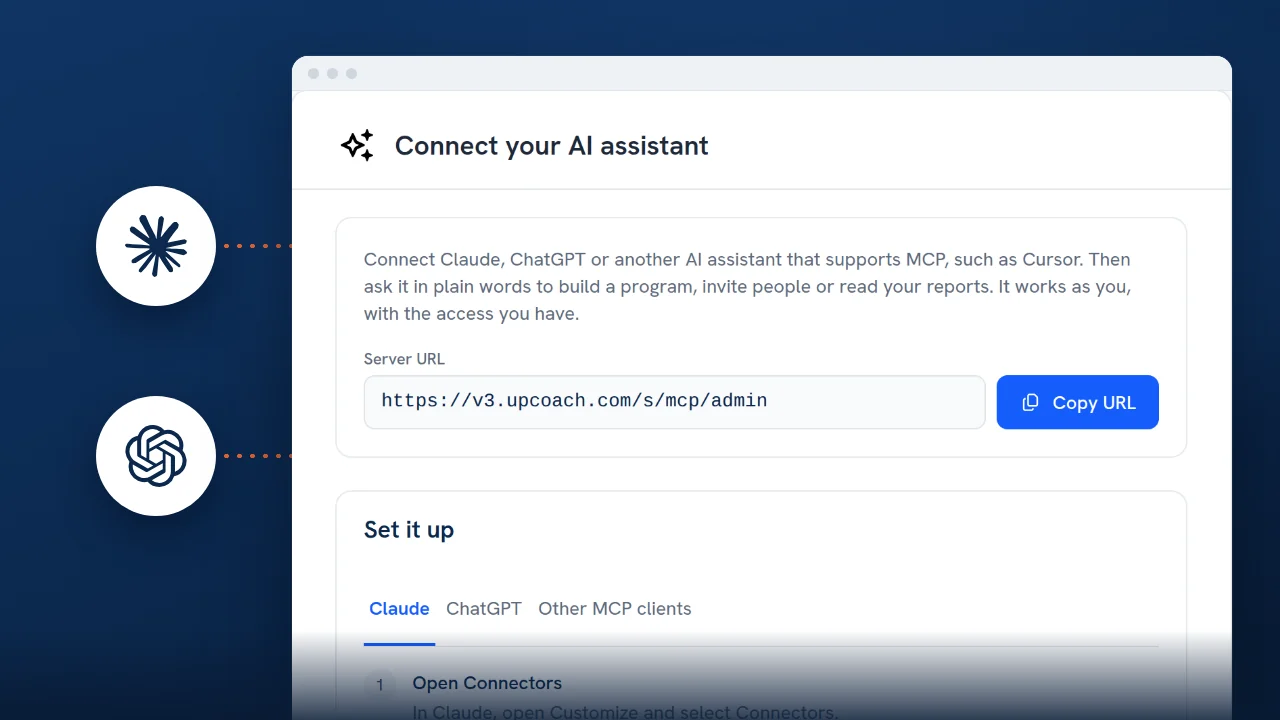


Sell Your Offers From Your Own Website
If you already have a website, you can now sell your offers from it. Open a live offer, click Share, and copy the code for a buy button or for an offer card with the title, the price, the button and an image from your checkout page. Paste it into an HTML or embed block in your website builder, or into an email.
The code is plain HTML with no scripts. People who click it land on the offer’s checkout page and pay there as usual, on your custom domain if you have one.
The offer’s Overview now shows how many visits and enrollments came From your website. Code you copy shows the offer as it is then: after you change what it shows, the checkout page’s address, your subdomain or your custom domain, copy it again.
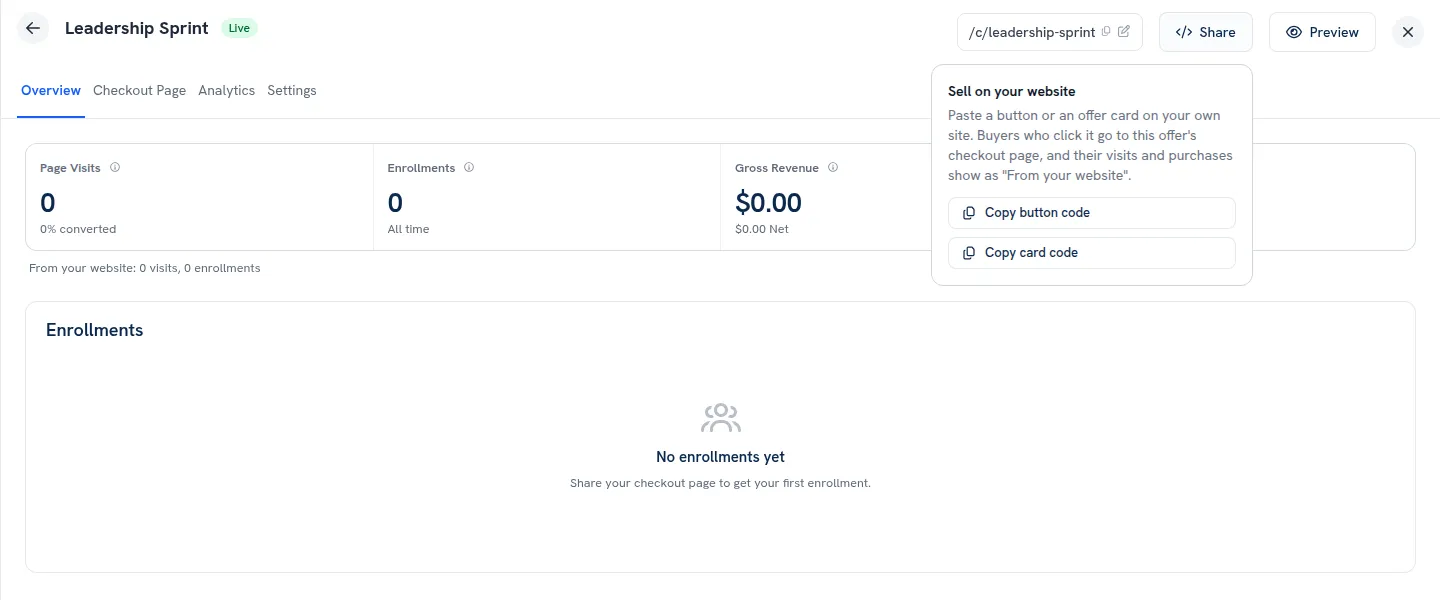
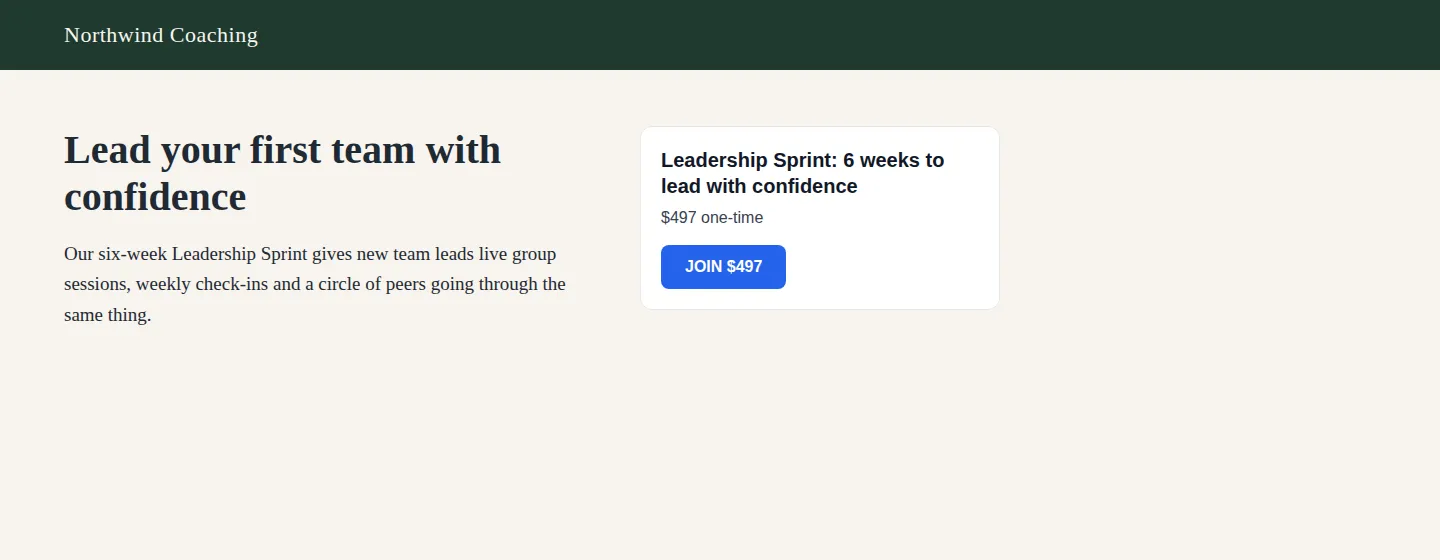
Copy a button or a card from the offer's Share panel
Paste it on your website; it opens your checkout page