
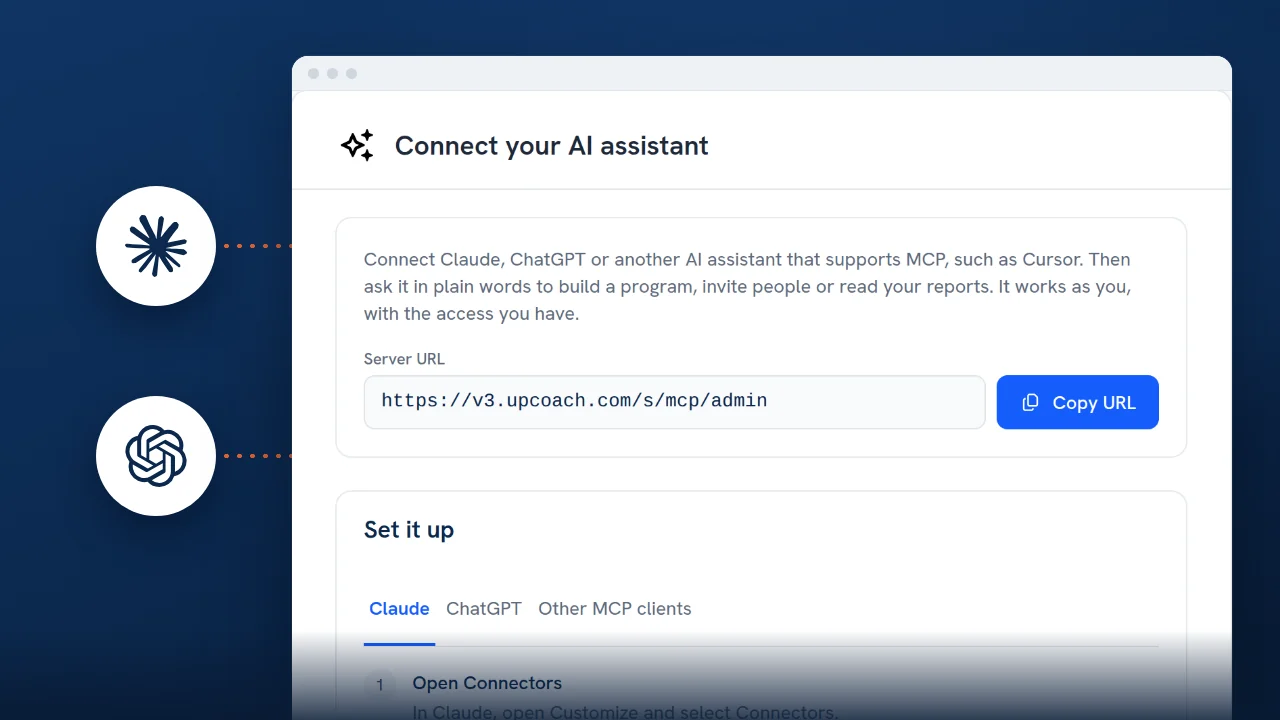


Employee coaching software runs a company’s coaching or training program for its staff. Employees do the work between sessions in it, coaches and facilitators see only their own groups, and HR or the sponsor follows progress in read-only reports without reading what employees write. Choose it by who needs to see what, how it runs one-to-one and team formats, and what it can show at the end.
This guide is for HR and L&D teams running coaching inside a company, and for coaching firms delivering it for one. It covers what the software does, the team, enterprise and workplace variants, a checklist, and where upcoach fits. If you haven’t designed the program yet, start with how to set up an employee coaching program.
What is employee coaching software?
Employee coaching software is a platform for coaching employees as a program rather than as loose sessions. It holds the structure (sessions, exercises, check-ins), the people (employees, coaches, HR, the manager who sponsors it) and the results. It replaces the usual mix of calendar invites, shared documents, survey forms and a spreadsheet someone in HR updates by hand.
It is not a performance review tool, and it is not a marketplace that supplies coaches. You bring the coaches, internal or external; the software runs the program they deliver.
What employee coaching software does
Most tools cover five jobs. They differ in how far each goes.
| Job | What it covers | What to look for |
|---|---|---|
| Structure | Sessions, exercises, check-ins, a start and an end date | A program you can reuse for the next cohort or the next employee |
| Work between sessions | Worksheets, check-ins, action items | Answers stored per employee, private unless you open them to the group |
| Sessions | Group calls and one-to-one bookings | Booking rules (for example one a week), reminders, calendar sync |
| Access | Employees, coaches, admins, HR, sponsors | Roles per program, so each person sees only their part |
| Reports | Progress, attendance, before and after | Read-only reports for sponsors; results as group totals |
The last two are what separate employee coaching from coaching you sell to individuals. When a company pays, there are always three parties: the employee, the coach and the sponsor. The software has to give each of them a different view.
Who sees what
Decide this before anyone is invited, and write it into the coaching agreement. A default that works for most company programs:
| Employee and their coach | HR or the sponsor | |
|---|---|---|
| Who is enrolled and when they started | Yes | Yes |
| Sessions attended | Yes | Yes |
| Progress through the program | Yes | Yes |
| Worksheet and check-in answers | Yes | No |
| What is said in sessions | Yes | No |
| Before-and-after results | Yes, their own | As group totals |
The rule behind it: the sponsor sees whether the coaching is happening, not what happens in it. Employees who suspect HR reads their answers write less, and the coaching gets worse.
Team, enterprise and workplace coaching: what changes
“Employee coaching” covers a few different programs. The same software has to handle each one.
Team coaching
A team coaching platform runs a group that moves together: a new-manager cohort, a sales team, a leadership circle. What matters is content that opens week by week, recurring group sessions tied to the right week, a channel for the team, and a report on the whole group. If one program serves several teams, check that you can split it so each team has its own channel and sessions.
One-to-one employee coaching
One-to-one coaching for an employee needs privacy first. Employees in the same company shouldn’t see who else is being coached, answers should be visible only to the employee and their coach, and the employee should book sessions within agreed limits. For senior leaders, where confidentiality and sponsor reporting carry even more weight, see executive coaching platform.
Enterprise coaching
At enterprise scale the questions are about access and cost. Can each coach see only the programs they run? Can HR follow many programs without reading answers? Can you invite hundreds of employees at once? And what does the price count: employees, coaches or both? Work out the cost for the size you will run in a year, not the pilot.
Workplace coaching run by a coaching firm
When an outside firm coaches a company’s staff, the firm runs the platform and the client company is the sponsor. The firm needs a sponsor view it can hand to the client’s HR lead, and a report at the end it can share without exposing any employee. For the firm’s side of this, see corporate coaching.
Questions to ask before you choose
- Can HR follow progress without reading answers? Ask for the sponsor’s view and check every screen and export.
- Does each coach see only their own programs? Not every employee in the company.
- Can it run both team and one-to-one programs? Under the same roles and reports.
- What do you show at the end? A before-and-after in the employees’ own numbers, shareable as group totals.
- What does the price count? Employees, active participants or coach seats.
- What does an employee see? Walk the invite and the first week yourself, on a phone.
Where upcoach fits
upcoach runs coaching and training as programs, with roles that decide who sees what. The parts that matter for employee coaching:
Roles per program. Two organization roles, Owner and Admin, run the business and the platform. Program roles (Program Admin, Facilitator, Participant, Program Sponsor and Reporting Sponsor) are assigned per program, so the same person can hold different roles in different programs. Facilitators see their programs, and only theirs: not billing, not other programs, not organization settings. See teams and roles.
Sponsors who can’t read answers. A sponsor seat is read-only, with no posting, no editing and no program notifications. A Reporting Sponsor sees the program’s content and reports, but never participants’ answers, journals or conversations. A Program Sponsor also reads what participants write, so use it only where employees have agreed to that. Organization Owners and Admins can see every program’s reports, so keep those roles to the people your agreement names. The Program Admin, Facilitator and Sponsor roles help article compares them.
Program Reports. Every program has a live report: started, average progress and completion, a section and module breakdown, and a per-participant table with progress and last active dates. Program Reports export to CSV, per activity or per participant. See progress tracking and reporting.
Impact reports. Program types ship with an intake assessment and a final reflection that mirror each other. Within your plan’s monthly allowance, you can turn the results into an impact report from Program Reports: an AI-written summary where every statement points to the figure it rests on. It opens as a draft you edit, shows group totals only, with no names and no individual rows, and is shared on a private link that expires after 7, 30 or 90 days.
Team and one-to-one formats. Group coaching, cohort courses, masterminds and bootcamps run teams; the 1:1 coaching program type keeps each employee private, with the member directory hidden, the feed off and a private message thread with the coach. One program can be split into sub-groups, each with its own channel, events and slice of the content. See corporate training for how a company-sponsored program runs.
Sessions. Recurring group sessions sit inside the week’s module, and one-to-one bookings follow rules like one session per week or a fixed package total. Automatic reminders go out for events and booked sessions. See events and scheduling.
Seats and plans. Seats are for your team; participants are a separate pool and are never billed as seats. Multi-role access (Admin, Facilitator, Sponsor) is included from Pro up, and Scale has the full role model across teams and programs. Starter is built for solo operators with a single seat. See pricing.
What upcoach doesn’t do is supply or match coaches, or replace your performance reviews. You bring the coaches; upcoach runs the program they deliver. For a six-month program with a sponsor brief and a sponsor review agenda, start from the free corporate coaching program template. When a manager coaches one direct report, the free employee coaching plan template puts one skill, its measure, the weekly practice and a review date on one page.
To see how roles and reports work on your own program, start a free trial: 14 days, no credit card required.
Frequently asked questions
What is employee coaching software?
Software a company, or a coaching firm working for one, uses to run a coaching or training program for its staff. Employees do the work between sessions in it, coaches and facilitators see only their own groups, and HR or the sponsor follows progress in read-only reports.
Should HR be able to read what employees write in coaching?
Usually not. Employees stop being candid if they think HR or their manager reads their answers. A common default is that HR sees who is enrolled, attendance and progress, while worksheet and check-in answers stay with the employee and their coach. Agree it in writing before the program starts.
What is the difference between team coaching and employee coaching software?
It is mostly the format. Team coaching runs a group that moves together, with shared sessions and a common channel; one-to-one employee coaching keeps each person’s work private. Many company programs mix both, so look for a tool that runs group and one-to-one programs under the same roles and reports.
What does enterprise coaching software need that a small team tool doesn’t?
Roles scoped per program, so each coach and each sponsor sees only their part; bulk invites; a way to split a large group into teams; and reports you can export or share as group totals. Check how the price grows with employees and with coaches before you compare features.
Do employees use a paid seat on upcoach?
No. Seats are for your team, such as admins, facilitators and sponsors. Participants are a separate pool and are never billed as seats; plans count active participants.