


Improved Invites & members
A Used Invite Link Takes You Straight to Sign-In
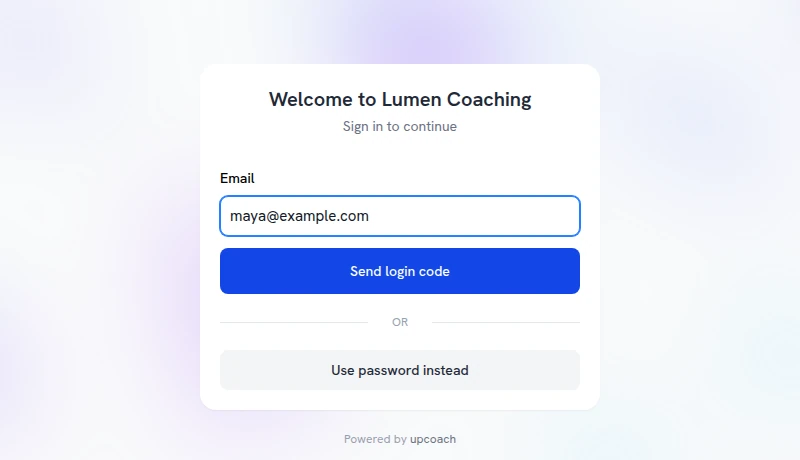
When someone opens an invite link they’ve already accepted, the page tells them You’ve already joined your workspace and shows a Sign in button. One click opens your workspace’s sign-in page with their email already filled in, ready to send them a login code. If they’re already signed in, the button takes them straight into upcoach.
If an invite expired before it was accepted, the page says This invitation has expired. To let that person in, send them a new invite with Invite: the new email brings a fresh link.
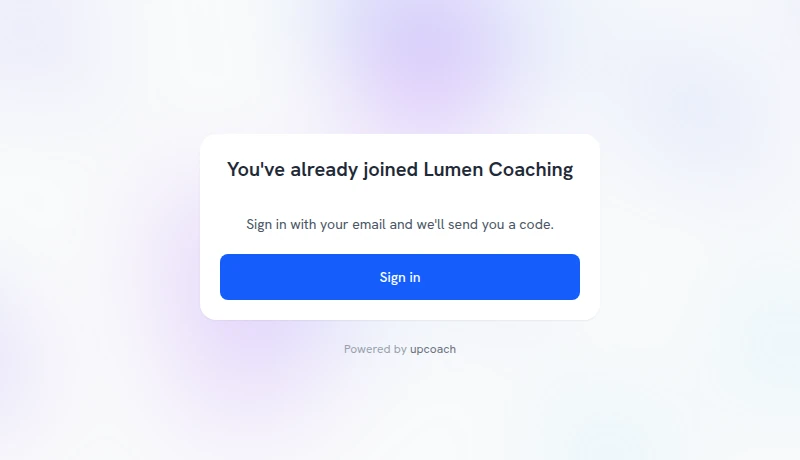
Opening an invite you already accepted
Sign-in with your email filled in