Mert
Feature
Build and Run Programs from Your AI Assistant with the upcoach MCP
The upcoach MCP server grew from creating a space into a program builder. Owners and organization admins can ask an AI assistant to build a curriculum step by step, edit it later, and run day-to-day engagement. Events, feed posts, and channel messages use the same permission as that action in the app.
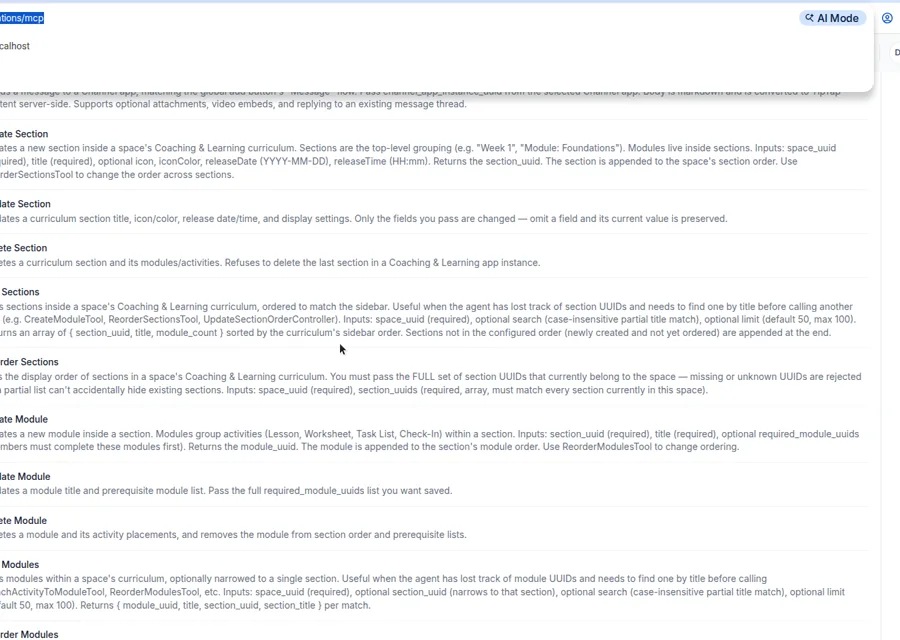
- Granular curriculum tools: create, update, and reorder sections, modules, and activities (lessons, worksheets, task lists, and check-ins), and search the activity library.
- Safe edits: omit a field and it stays as it is. Renaming a lesson leaves its body and cover in place. Renaming a worksheet leaves its questions in place when you do not send a new question list.
- Engagement tools: create events, including a recurring series, publish feed posts, and send channel messages.
- Discovery tools: look up app instances, members, and groups in a space.
- Guided prompts: the MCP settings page lists ready-made prompts, including “Build a 6-week program”, “Summarize worksheet responses”, and “Improve low-engagement content”.