How to duplicate a Smart Doc?
In this article, we will show you how you duplicate Smart Documents.
Go to your Admin dashboard and go to “Smart Docs.”
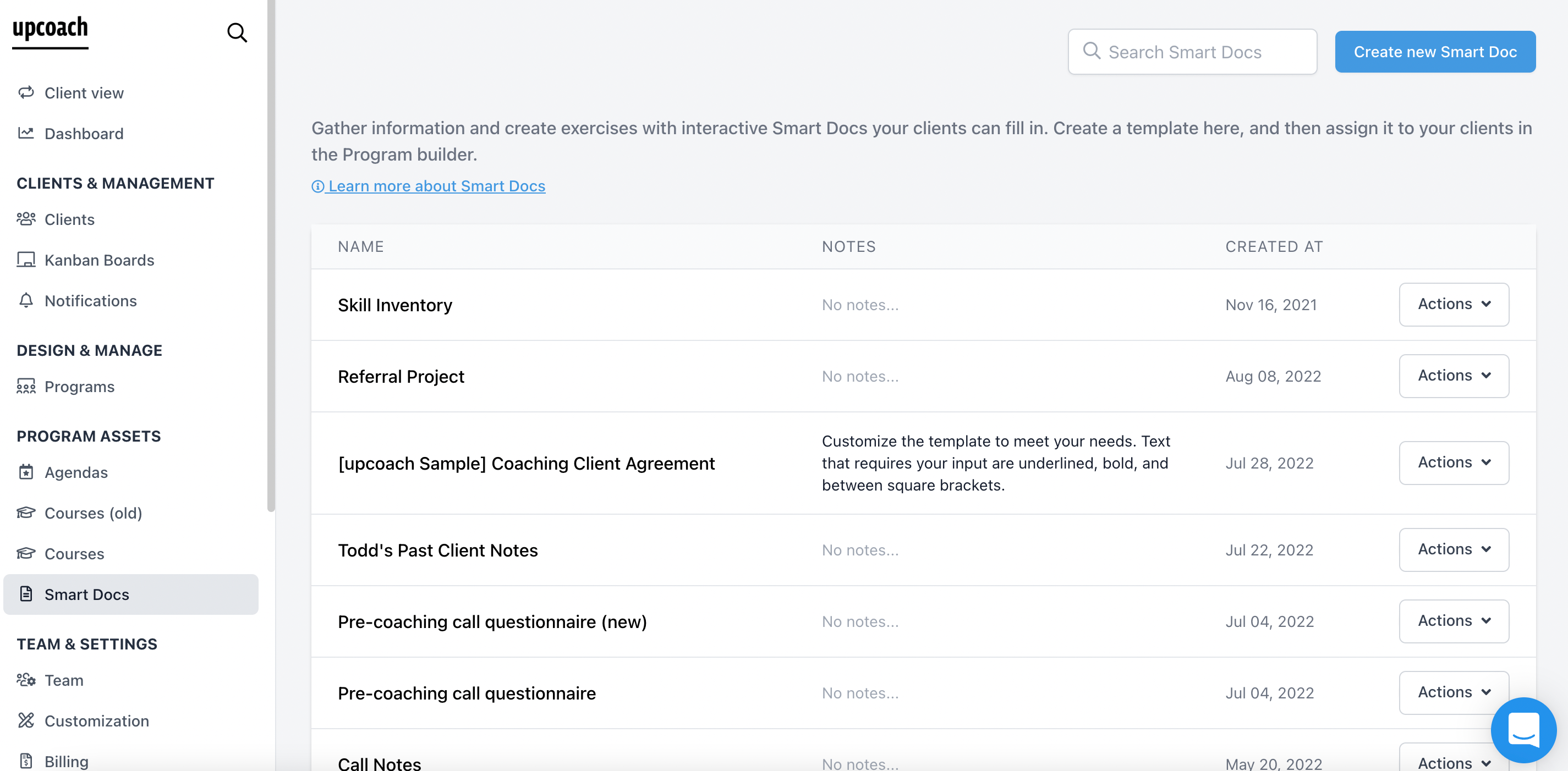
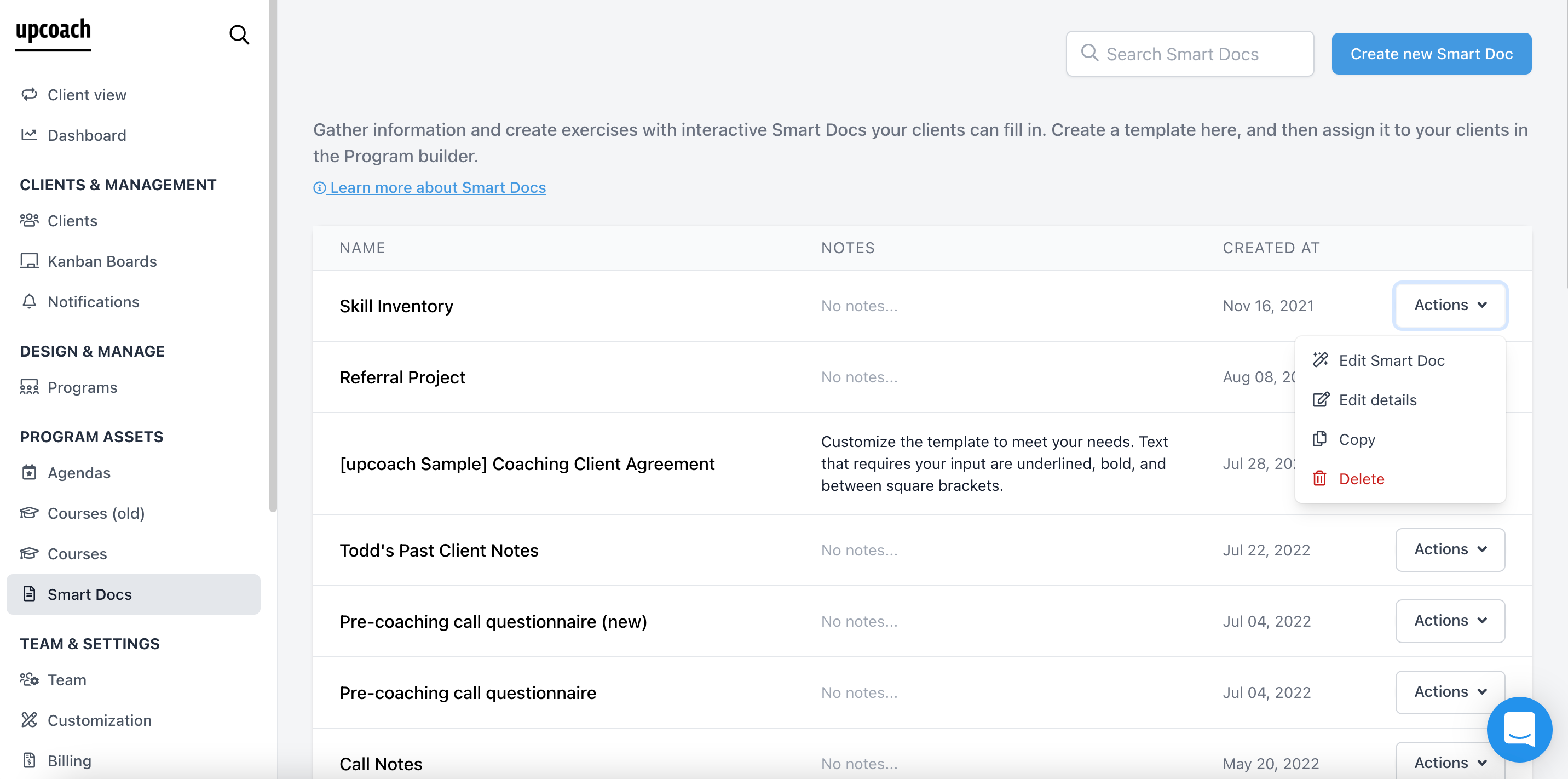
2. Click on the “Actions” button next to the Smart Doc that youćd like to duplicate and click “Copy.”
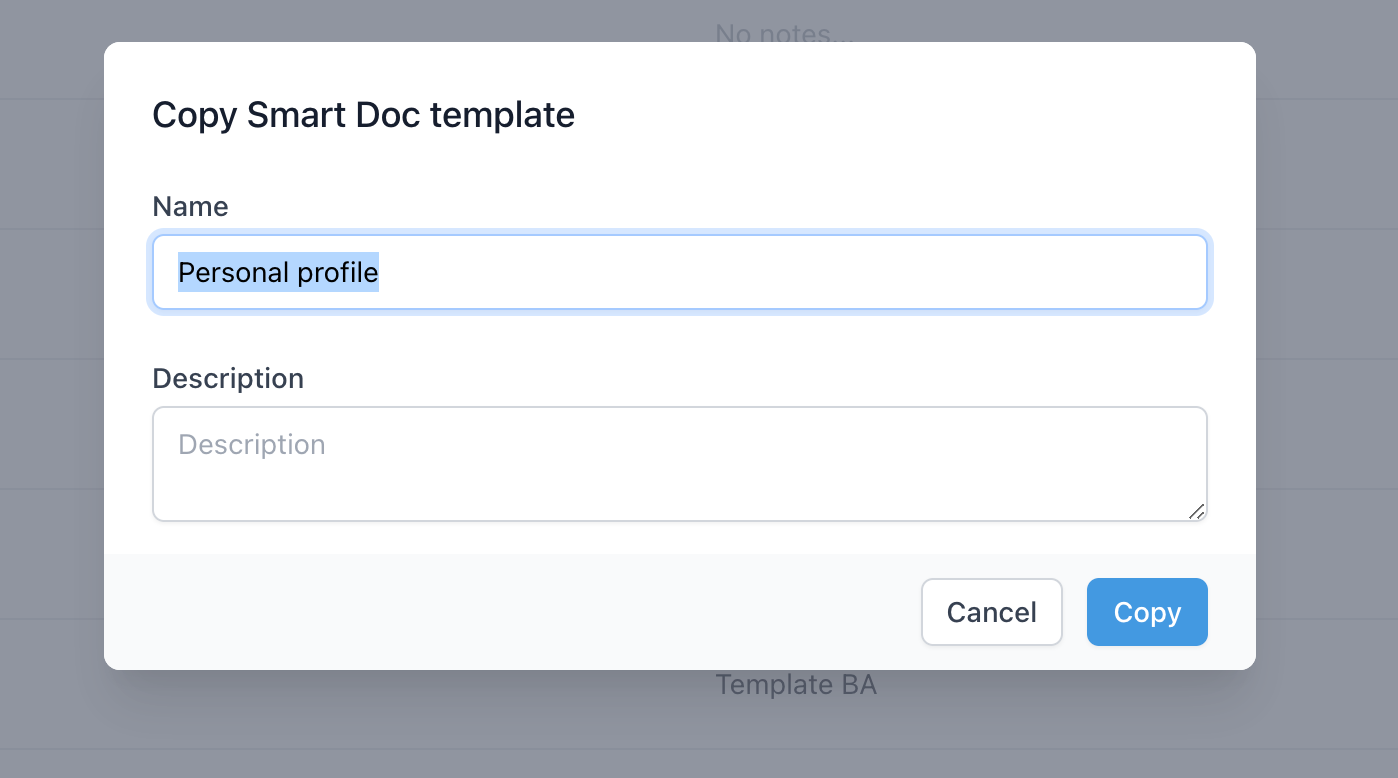
3. You will be asked to give a name and description for that copy of the Smart doc
4. Once you do this, you will be taken to the Smart Doc designer, where you can make any edits and improvements to the Smart Doc.
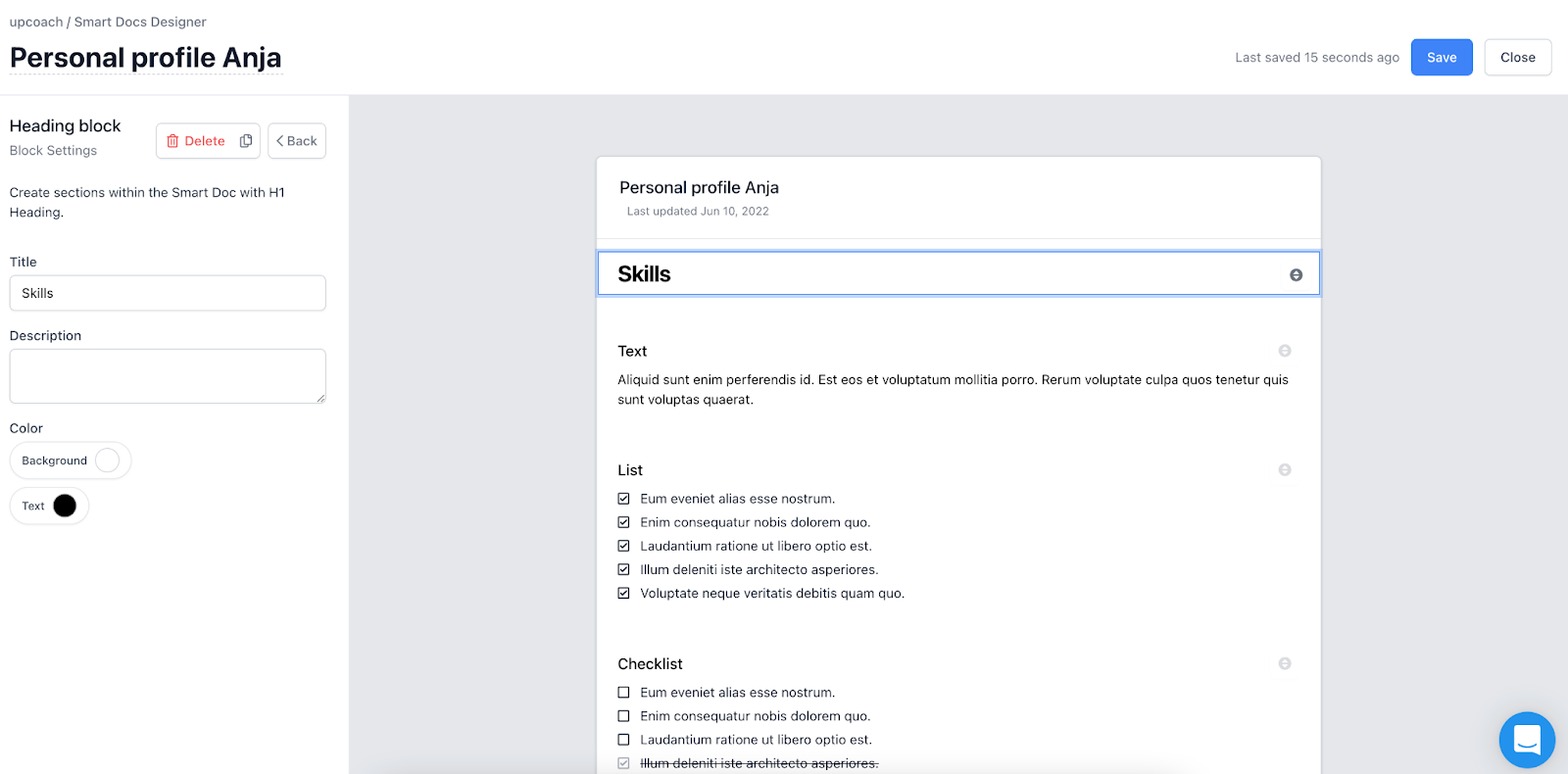
5. When you are done editing, click Save, and you are all set!
If you need further support, please contact us at support@upcoach.com or inside the platform by clicking on the chat messaging bubble in the lower right corner.