How to add a coach to the coach section?
How to add a coach to the coach section?
If there is more than one coach in your program, you can show all these coaches in the Coach area.
This is a manual process, even if the member you add has coach or admin access.
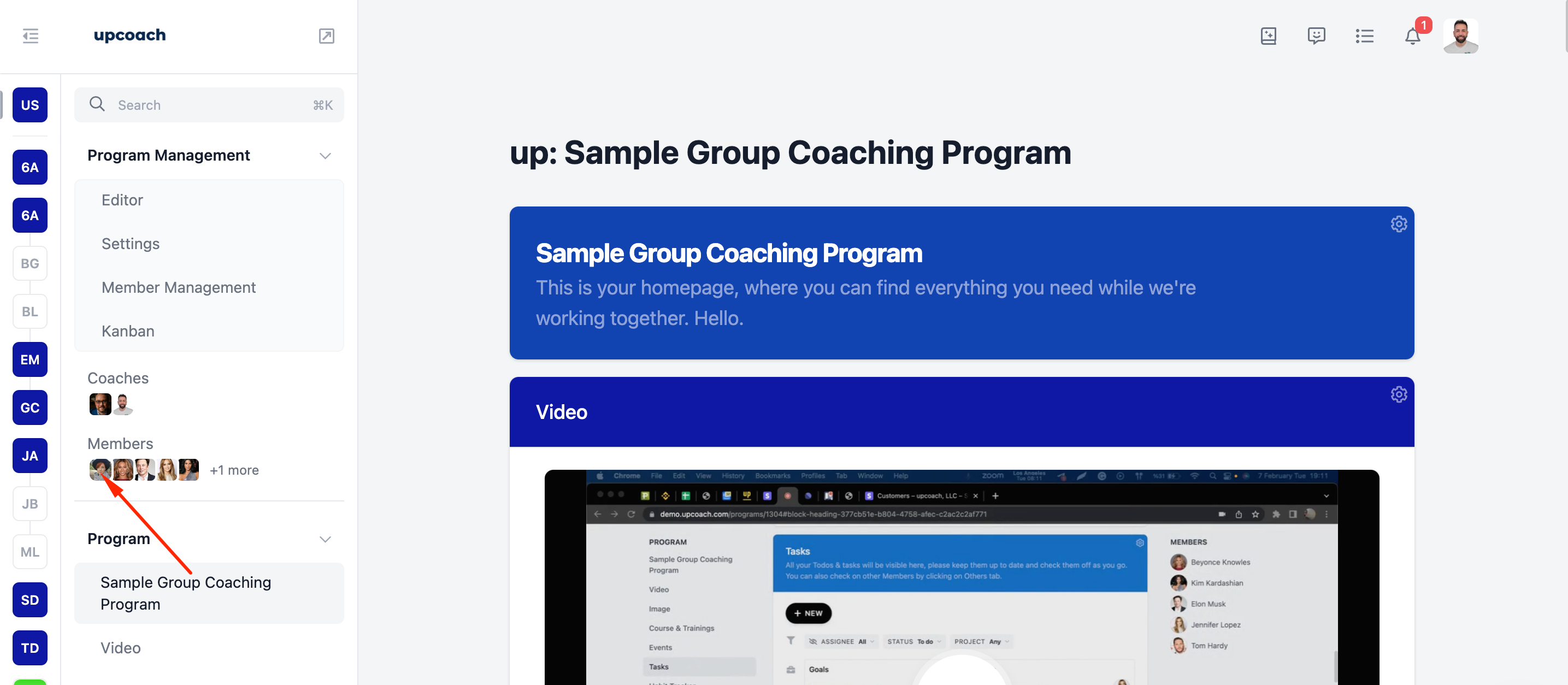
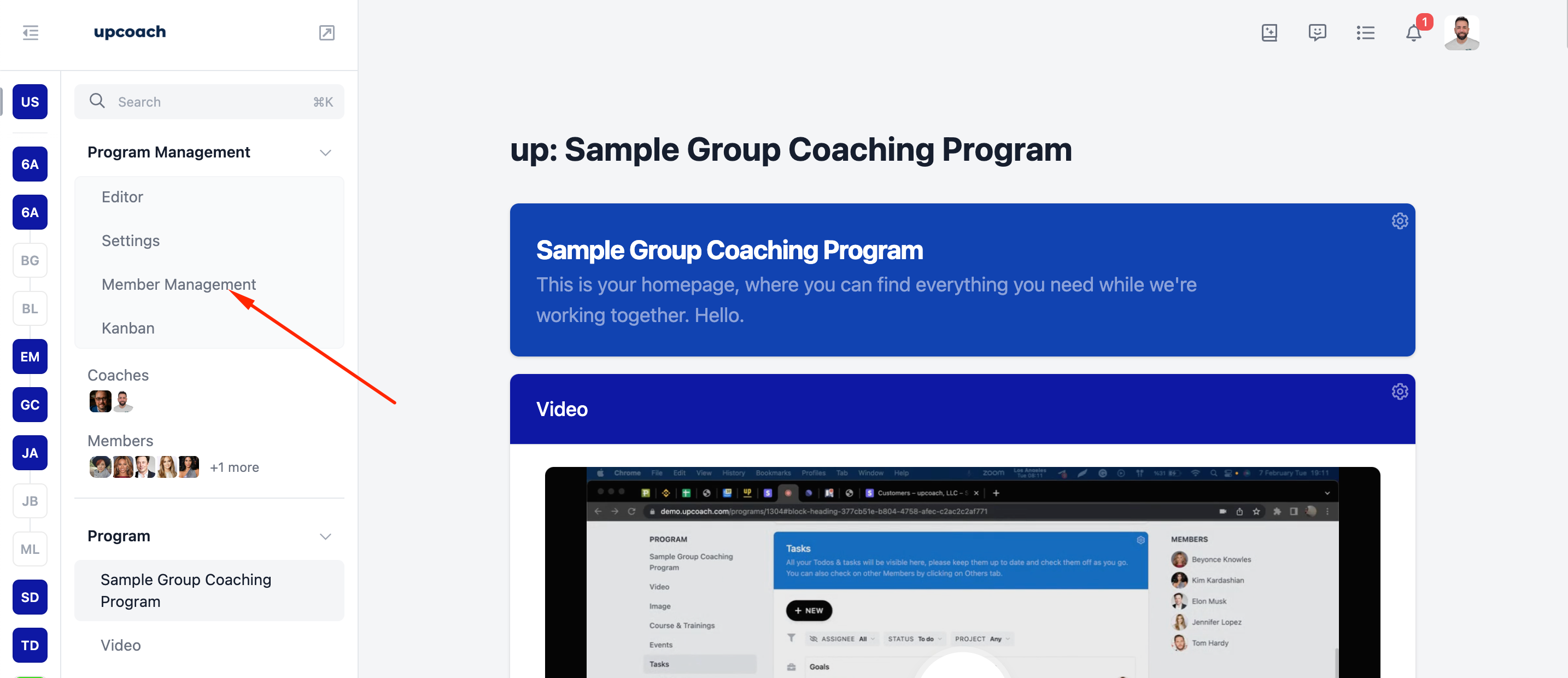
Go to the Program's Member Management.
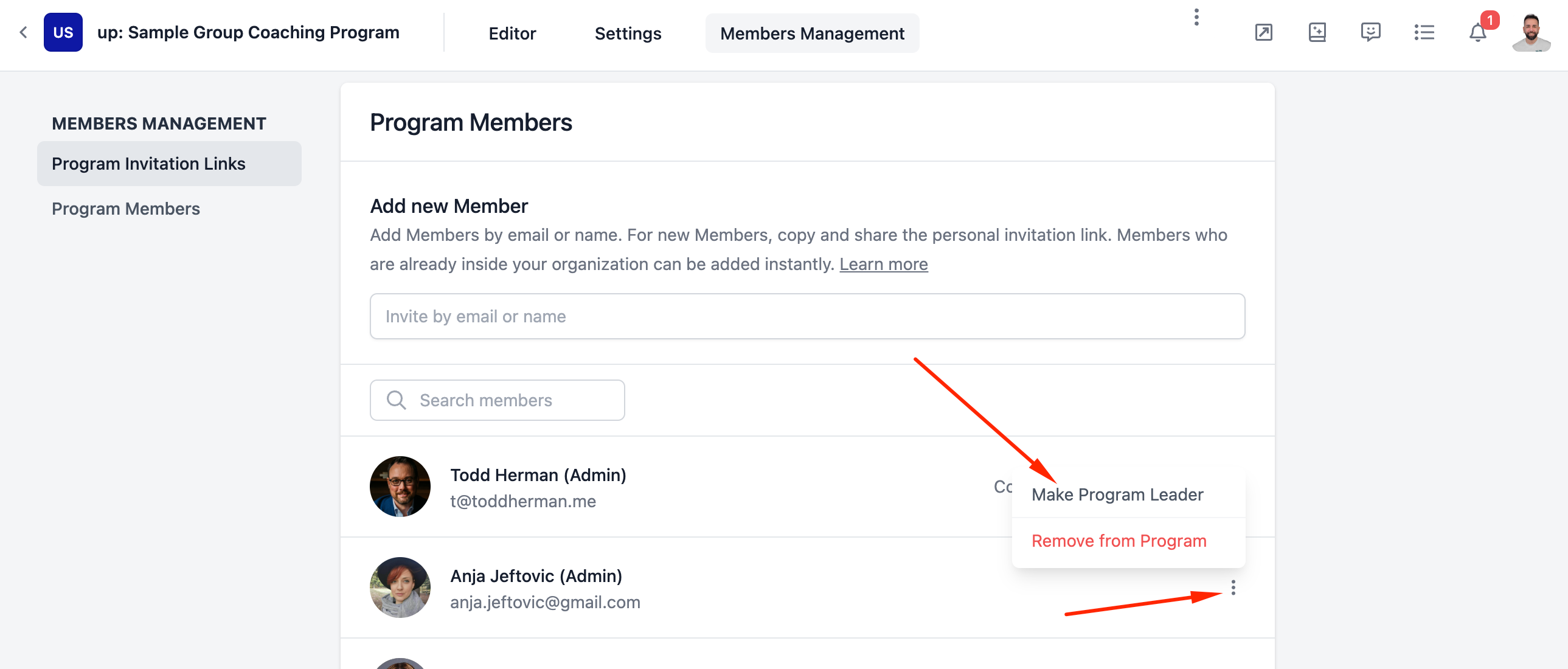
2. Click the Make Program Leader button next to the name of the user you want to add as a coach.
3. That's all; the member added as a coach.
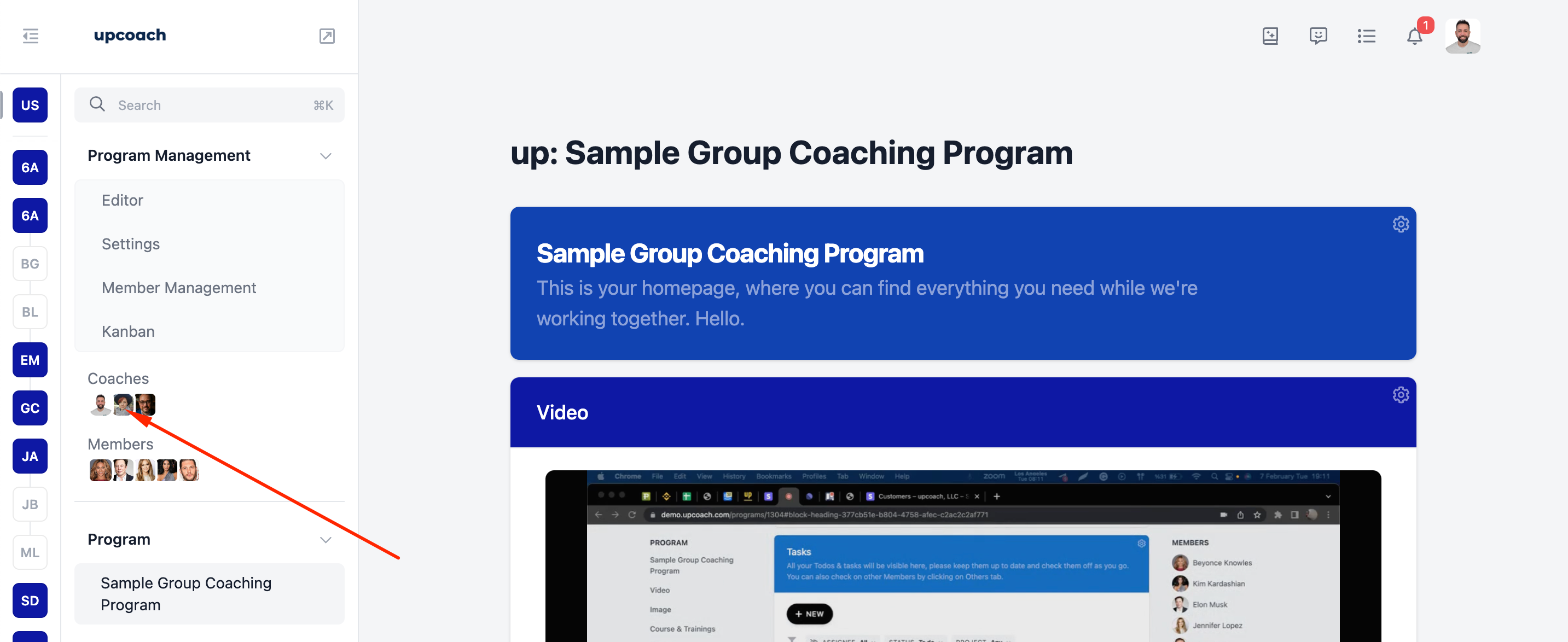
⚠️ Note: The member does not have to remain the Program Leader; you can choose the old program leader again after adding.
If you need further support, please get in touch with us at support@upcoach.com or inside the platform by clicking on the chat messaging bubble in the lower right corner.